MoonfireAI Chat Exporter and Cleaner for ChatGPT & Grok Add to Chrome
What's new

What’s new in Moonfire?

Every update, newest first. Here is what changed in each release.

Enjoy Moonfire without limits

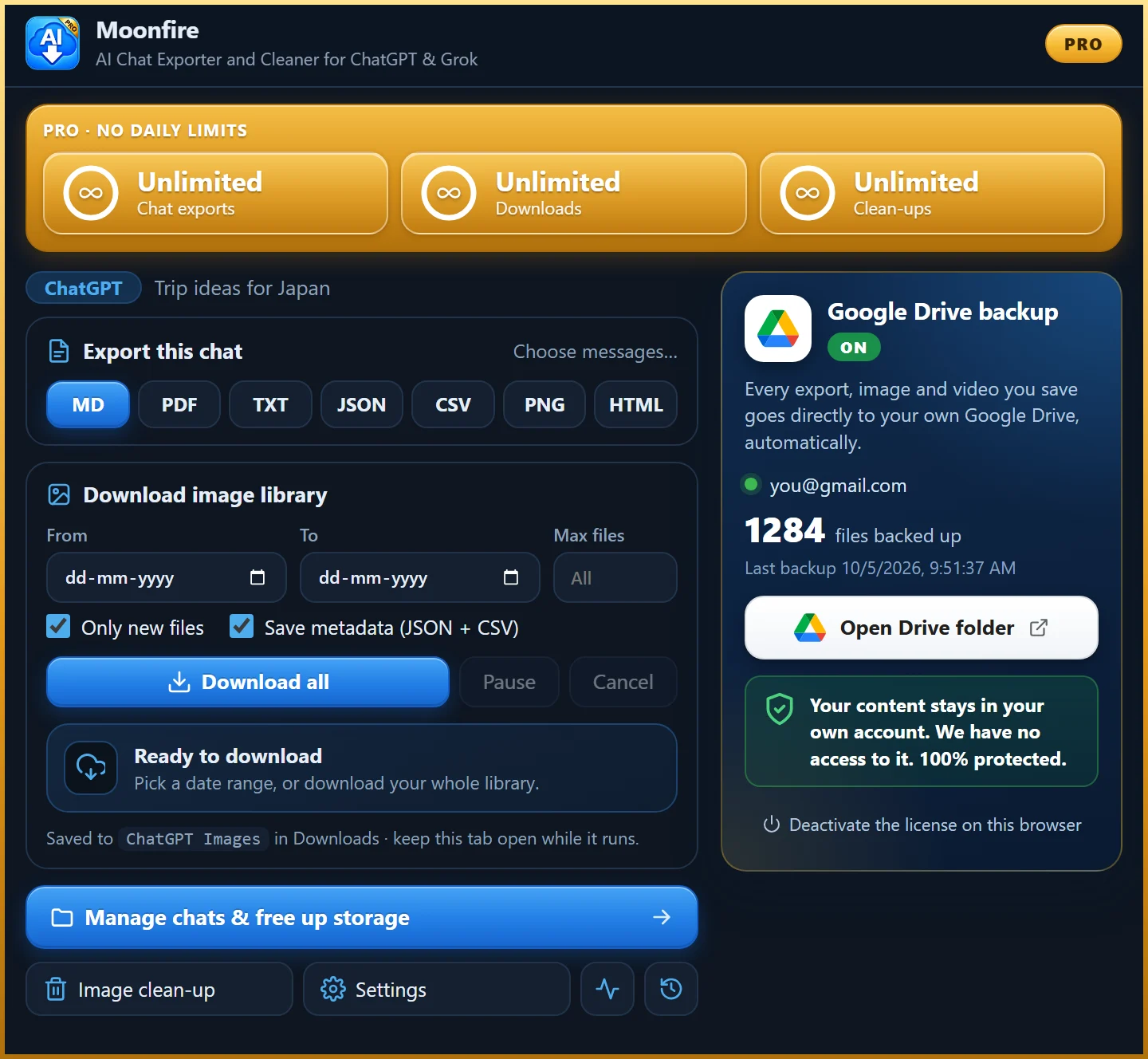
Pro removes the daily limits and adds automatic Google Drive backup.

Get Pro
v2.2

Pro licenses, a gold License card and a smoother look

Announcements
October 2026
  • Pro is live. Pick Monthly, Yearly or Lifetime, paste your key in Settings and you are done. One license covers up to 3 Chrome profiles, and every browser signed into the same profile shares it automatically.
  • A gold License card now sits at the top of Settings, so your plan and key are always one glance away.
  • Clean-up now shows a progress bar with a live count while it deletes or archives chats.
  • Everything now uses the Inter font, in the extension and on this site.
v2.1

Back up to your own Google Drive

October 2026
  • For Pro: every export, image and video can go straight to your own Google Drive, into a folder named Moonfire AI Chat Exporter. It travels from your browser to your Drive and never through our servers.
  • A new Prompt ↔ Media gallery shows each image next to the prompt that made it, and the prompt is also written into PNG and JPEG metadata so it survives lost chats.
  • Media that Grok builds in its code sandbox, such as GIFs, is now captured from the open chat when you export it.
v2.0

ChatGPT and Grok in one extension

October 2026
  • Export chats from ChatGPT and Grok to PDF, Markdown, Text, CSV, JSON or PNG, with message selection and PDF settings.
  • Bulk-download your images, then free up ChatGPT storage safely: a chat can only be removed once every image in it is saved on your PC. Archive is reversible; delete is not.
  • The Free plan includes every feature with a daily limit. Pro removes the limits.